
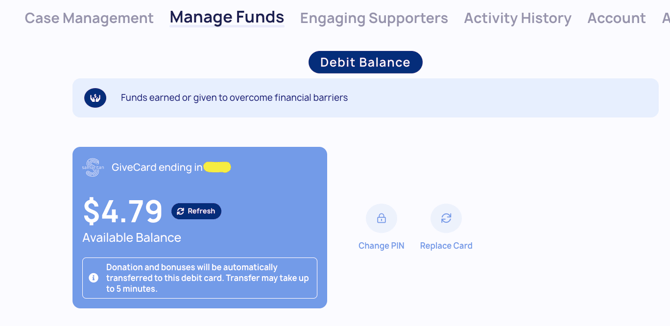
A Member’s account balance is where all Action Step bonuses and donations are deposited by default. From there, funds can be used in two ways:
- Loading funds onto a debit card
- Submitting a purchase request
Below the balance, you’ll find a transaction history that provides a detailed view of all account activity — including Action Step bonuses, donations, and spending. This helps give full transparency into how the Member’s balance has changed over time.
💡 Helpful Tip: This guide (linked below) highlights an in-depth Givecard overview.
Next Read: helping your Members spend their funds