
PIN Requirements:
-
Must be 4 numeric digits
-
Cannot be consecutive numbers (e.g., 1234)
-
Cannot be all the same number (e.g., 0000)
-
Cannot match the last 4 digits of the debit card
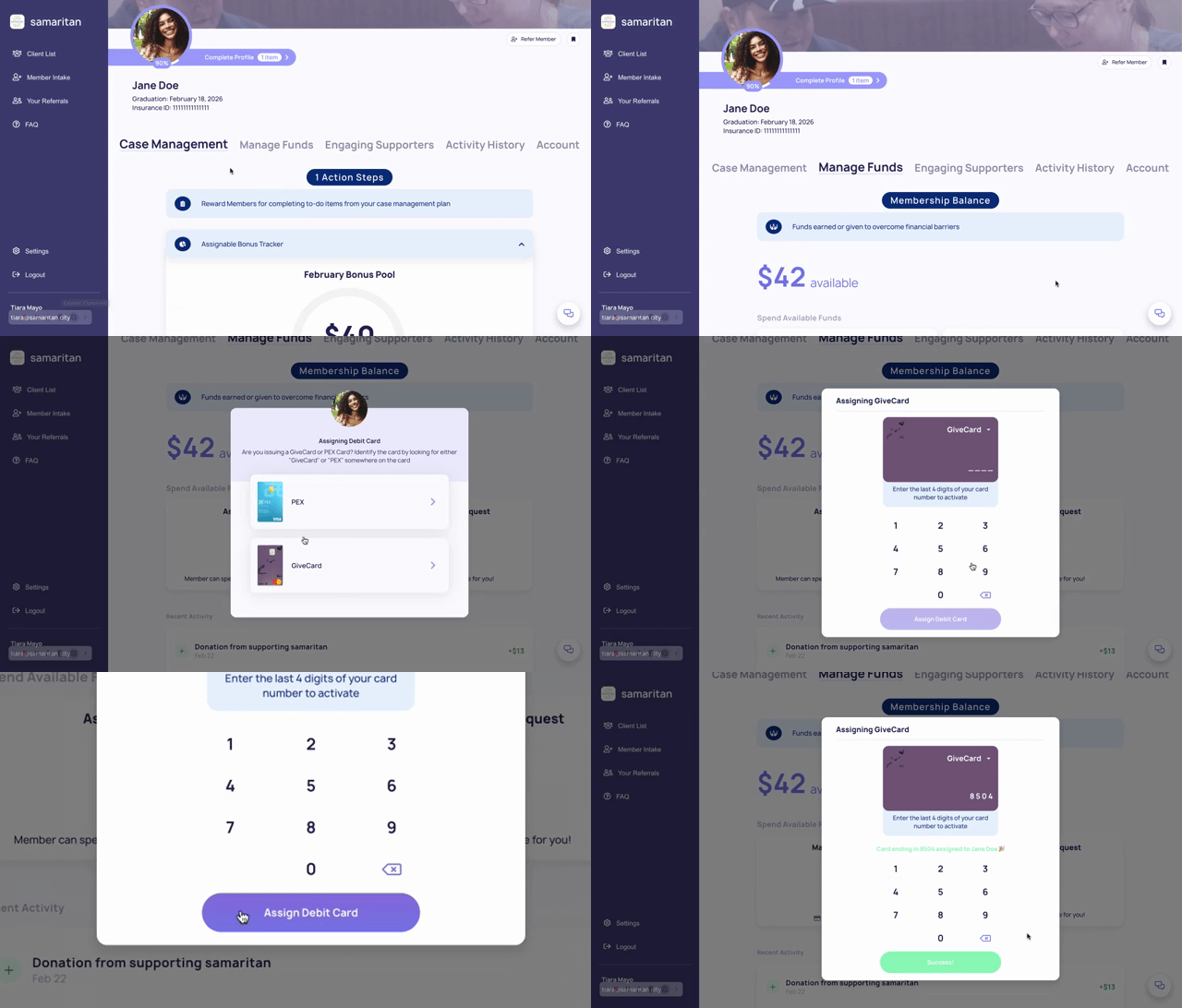
✅ Setting a secure PIN helps ensure the card is protected and ready for use.
Please note: This is Optional, your Members card will work without a pin.
💬 Alternative Options:
Members can also set or update their PIN by contacting GiveCard support or through their GiveCard portal:
-
Email: support@givecard.io
-
Phone: 908-529-0955 (9am–6pm EST)
Next Read: how Members track their account balance